
NPS Survey Format
If you need a simple nps survey format, keep it short: ask the standard 0-10 recommendation question, follow it with a "why" question, then capture the one improvement that would move the score. That is the structure used in this template.
This page is both a working template and a reference article. You can use the built-in form as-is, then replace [Company/Product] with your actual brand, product, service, or experience before publishing.
At its core, an NPS survey is a two-part survey: a rating question plus a free-response follow-up. This template keeps that core format, then adds two practical extras that competitors consistently use when they want more actionable data: light segmentation and optional follow-up contact details.
Standard NPS Question
The standard Net Promoter Score question is:
How likely are you to recommend [Company/Product] to a friend or colleague?
Use the classic 0-10 scale:
0-6: Detractors7-8: Passives9-10: Promoters
That standard wording matters because it keeps your score comparable over time. The best NPS pages also keep the main question clean and avoid stuffing extra ideas into it.
Question Variants
You do not need to rewrite the whole survey to adapt the format. Usually, you only need to change the object being rated:
- Brand-level NPS:
How likely are you to recommend [Company] to a friend or colleague? - Product NPS:
How likely are you to recommend [Product] to a friend or colleague? - Transactional NPS:
Based on your recent support interaction, how likely are you to recommend [Company]? - eNPS:
How likely are you to recommend [Company] as a place to work?
Keep the 0-10 scale the same even when the wording changes.
Recommended NPS Survey Format Template
| Step | What to ask | Why it matters |
|---|---|---|
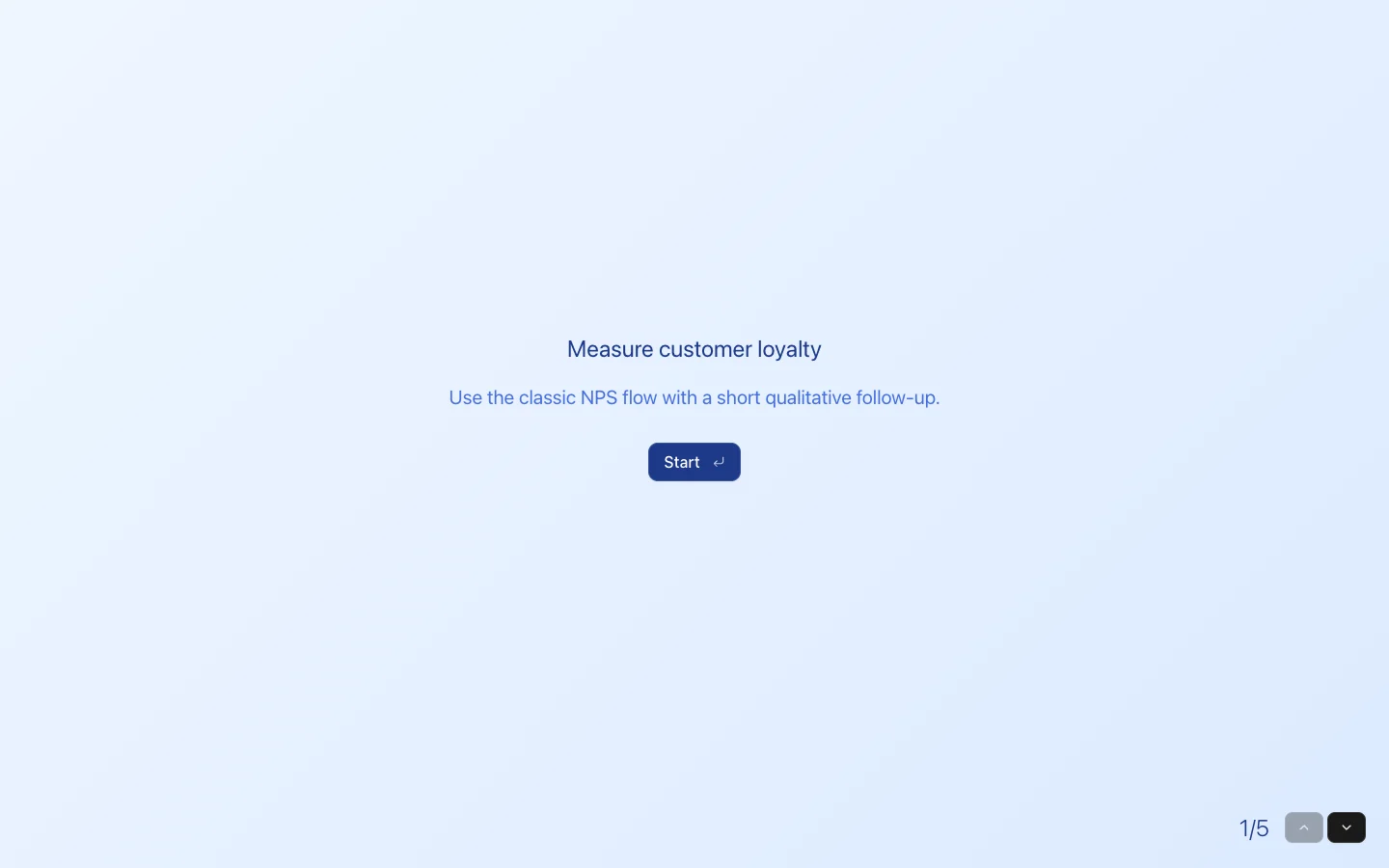
| 1 | Intro screen | Sets expectations and tells people the survey will be short. |
| 2 | Standard NPS question | Gives you the actual score on the 0-10 scale. |
| 3 | What are you rating today? | Adds segmentation so you can separate product, onboarding, support, or overall-experience feedback. |
| 4 | What is the main reason for your score? | Captures the context behind the number. |
| 5 | What should we improve first to increase your score? | Turns sentiment into a concrete next step. |
| 6 | Optional contact details | Helps your team close the loop when someone wants a follow-up. |
That is the format included in this template bundle. If you want the leanest possible version, keep steps 2 and 4. If you want a more useful operational template, keep all six.
Copy You Can Use
Use this exact flow if you want a fast starting point:
- How likely are you to recommend [Company/Product] to a friend or colleague?
- What are you rating today?
- What is the main reason for your score?
- What should we improve first to increase your score?
- Can we follow up with you?
For most teams, that is enough. It is short enough to finish, but detailed enough to explain why the score moved.
Why This Format Works
Many NPS templates stop at the number, which limits what your team can actually do next. A better NPS survey format gives you both signal types:
- Quantitative signal from the 0-10 score
- Qualitative signal from the follow-up reason
- Operational signal from the improvement-priority question
- Segmentation signal from the touchpoint dropdown
That makes the template more useful for customer success, support, product, and operations teams that need more than a dashboard score.
How To Use This Template
- Replace
[Company/Product]with the exact thing you want respondents to rate. - Decide whether you are running a relational survey or a transactional survey.
- Remove any optional fields you do not need before publishing.
That gives you a cleaner survey and better completion rates.
When To Use This NPS Survey Template
- After onboarding, to see whether new customers would recommend the experience
- After support interactions, to separate service issues from product issues
- On a recurring quarterly or biannual cadence, to track loyalty trends
- After a major release or service change, to measure reaction and identify friction quickly
If you want high response rates, do not send this survey at random. Tie it to a clear moment in the customer journey.
Relational Vs. Transactional NPS
Relational NPS measures the broader customer relationship over time. It is usually sent on a regular cadence, such as quarterly or biannually, and works best when you want a benchmark you can compare over time.
Transactional NPS measures a specific touchpoint, like onboarding, support, delivery, or checkout. It works best when you need feedback tied to one recent interaction while the experience is still fresh.
This template supports both. For relational NPS, leave the question broad. For transactional NPS, adjust the wording to reference the recent interaction and keep the touchpoint dropdown aligned with that moment.
NPS Survey Best Practices
- Keep the core NPS question standardized every time you run it.
- Ask the open-ended follow-up immediately after the score question.
- Do not overload the survey with too many extra questions. In most cases,
3-5total questions is enough. - Segment responses by touchpoint so the score is easier to interpret.
- Follow up with detractors quickly and learn what promoters value most.
- Review verbatim responses alongside the score, not in isolation.
FAQ
How many questions should an NPS survey have?
Usually 2-5 questions is enough. The strongest format is the score question plus one or two follow-ups.
What is the standard NPS scale?
NPS always uses a 0-10 scale. Scores from 0-6 are detractors, 7-8 are passives, and 9-10 are promoters.
Should you ask for contact details in an NPS survey?
Only if you plan to follow up. That is why this template makes contact details optional instead of forcing them.
Can this template work for SaaS, agencies, and service businesses?
Yes. Replace [Company/Product], adjust the touchpoint options, and publish. The format works anywhere you need a standard recommendation score plus useful follow-up feedback.